
I’ll show you a clear plan for how to use youtube ads to grow your business without a big team or a big budget.
I’ve run campaigns that hit real results for local shops and online stores. You’ll get a plain‑spoken guide that lays out which formats drive sales, leads, and subscribers.
This short intro gives value fast. I’ll name the top moves that protect watch time on your youtube channel and lift conversions when you send people offsite.
If you’re a small business owner nervous about ad spend, relax. I’ve got benchmarks for CPV, simple setup steps inside Google Ads, and tips on matching landing page content so you keep momentum.
Key Takeaways
- One clear plan that fits small teams and tight budgets.
- Which ad formats drive sales, leads, or subscribers.
- Real CPV numbers so you can set a smart budget.
- Step order: channel first, then Google Ads setup.
- When to use in‑feed versus in‑stream for best value.
- Easy tracking and scaling tips that keep frequency in check.
Before you get started: accounts, goals, and budget basics
Lay the groundwork first: accounts, a clear goal, and a simple budget that you can keep.
Create a branded youtube channel with a clear name, logo, banner, and About section so viewers trust you.
- Link that youtube channel to a google ads account so you can run video ads and track performance.
- Use a business Gmail and shared access so your team can help without sharing passwords.
- Pick one primary goal per campaign: awareness, leads, sales, or subscribers.
Set a daily budget you can keep for 14 days. Many campaigns use Maximum CPV bidding. Expect average CPV around $0.01–$0.03.
Example: $30/day at $0.02 CPV ≈ 1,500 views per day. For steady pacing choose Standard delivery and set start/end dates, languages, and networks (YouTube videos + partners).
Finally, add a simple step to connect Google Analytics and conversions so you can measure revenue and lead quality. For a full setup walk‑through see this step checklist.
How to use YouTube ads to grow your business
Quick, clear steps you can follow now.
Start by uploading a clean HD youtube video and use a title that names the offer. Write a short description with a single CTA. Add 3–5 tags that match how the right audience searches.
Create a new Video campaign in google ads. Pick the goal that fits your outcome: awareness, leads, sales, or subscribers. Choose the campaign subtype that matches that goal so delivery optimizes correctly.

Set budget, delivery, and timing
Set a daily budget you can run for at least 14 days. Choose Standard delivery, then pick start and end dates and languages. For U.S. sales, set English and begin with YouTube videos only. Add partners later if performance holds.
Tracking and message match
Build a UTM link with source=youtube, medium=cpc, campaign=name so Analytics and your CRM show results. Add your final URL and make sure the landing page echoes the video headline, offer, and CTA.
Targeting and testing
Use one ad group per audience. Test household income, in-market, and remarketing lists. Add keywords, topics, and manual placements for control. Keep the first step simple: 1–2 creatives, 2–3 audience tests, and a fast-loading mobile page.
| Step | Action | Why it matters |
|---|---|---|
| 1 | Upload HD youtube video, title, description, tags | Improves discovery and message match |
| 2 | Create Video campaign in google ads and pick a goal | Ensures delivery aligns with your outcome |
| 3 | Set budget, Standard delivery, dates, languages | Keeps pacing steady and targets the right market |
| 4 | Add UTM link and match landing page content | Tracks conversions and keeps messaging consistent |
Keep this simple. If you want a full checklist for the setup, follow the step checklist. It walks each step in order and helps you avoid common mistakes.
Choose the right ad format for the job
Each video type has a simple job: get noticed, prompt action, or remind people.
Skippable in‑stream is best for direct response. Hook viewers in five seconds. You pay when someone watches 30 seconds or the full ad if it’s shorter. Use this when you want clicks and measurable actions.
Non‑skippable in‑stream gives guaranteed exposure. These short clips run on CPM pricing. Pick this type when a tight, memorable message matters and you can pay for impressions.
In‑feed video for discovery
In‑feed places a thumbnail and text in search results, homepage, and Up next. It drives organic-like discovery and helps youtube channels gain subscribers. You pay when viewers click to watch. Make thumbnail and title match search intent.
Bumpers, Shorts, and Masthead
- Bumper: Six seconds, non‑skippable, paid by impressions. Great for reminders and product launches.
- Shorts: Vertical clips that appear between Shorts. Aim for bold captions and a simple CTA. Viewers can swipe past.
- Masthead: Big reach across devices. Book through a Google rep for wide awareness.
| Format | Payment model | Best job |
|---|---|---|
| Skippable in‑stream | Pay per view (30s/full) | Direct response, clicks |
| Non‑skippable in‑stream | CPM (impressions) | Guaranteed exposure, short message |
| In‑feed video | Pay on click | Discovery, subscriber growth |
| Bumper | CPM | Frequency and reminders |
| Shorts | Impression/cost models vary | Mobile reach, quick hooks |
Quick rule: start with skippable in‑stream and in‑feed for efficiency. Add bumpers for scale. Match the type to viewer intent and keep video content short and front‑loaded.
Target the right audience and placements without wasting spend
Pick audience settings that match the customers who actually convert, not every possible viewer.
I start with basic demographics. Choose age and gender that mirror your buyers. Add household income when you sell premium products.
Demographics and household income for small business wins
Demographics and income
For a luxury listing in Beverly Hills, target high household income brackets and nearby zip codes. That narrows waste and raises signal.
Custom intent, in‑market, and remarketing audiences
Build custom intent lists from search terms people use when they’re ready to buy. Layer in‑market segments for your industry.
Create remarketing lists from site visitors, past customers, and your youtube channel viewers. These warm audiences cost less and convert better.
Keywords, topics, and manual placements on channels and videos
Add tight keyword lists that match search results and related videos. Target topics to scale, then prune poor performers fast.
Use manual placements on proven channels. Example: target golf channels for a luxury real estate agent in Beverly Hills. Add 20–50 placements, then expand winners.
Geo‑target by zip code, city, or region and exclude poor fit areas
Geo‑target down to zip codes. Exclude zones that don’t convert. That stops paying for the wrong viewers and protects your small business budget.
| Action | Why it helps | Example |
|---|---|---|
| Household income filter | Focuses spend on likely buyers | Beverly Hills luxury listings |
| Custom intent + in‑market | Reaches people ready to purchase | Search terms for “estate sale” or “luxury homes” |
| Manual placements | Control where your video appears | Golf channels, local news channels |
| Zip code targeting | Stops spend in low-value areas | Include core zip codes, exclude distant zones |
Quick checklist: split audiences into separate ad groups, check where ads appear, and cut placements with low view rate or high CPV. That’s one of the best ways to protect spend and scale winners.
Set bids, launch, and optimize based on real data
Set your bids so the campaign gathers clear signals fast. Start with a simple plan that favors learning over spend. Keep the first week about data, not scale.
Pick a bidding strategy and cap Max CPV. I choose Maximum CPV and set a cap I can afford. A good range is $0.05–$0.10. This speeds up data collection for each video and helps estimate impression volume.
Key metrics to watch
Track view rate, average CPV, watch time, and conversions. Aim for view rate 20%+ on in-stream ads. If it’s lower, tighten targeting or sharpen your first five seconds.
A/B tests and optimisation
Run one change per test. Swap the hook, CTA, audience, or placement list. Use placement reports and cut channels with high CPV or low view rate.
Scale winners and control frequency
- Launch with Standard delivery so spend spreads through the day.
- When a combo hits targets, raise budget 20–30% at a time.
- If frequency climbs and view rate drops, rotate creative or widen audiences.
- Keep your landing page aligned with the video message to protect conversion and revenue.
Final step: treat early wins as value signals. Reinvest into fresh video variants and stronger offers. That keeps performance strong while you scale.
Pro tips to compound results over time
Compound gains come from simple, repeatable habits you can run this week.
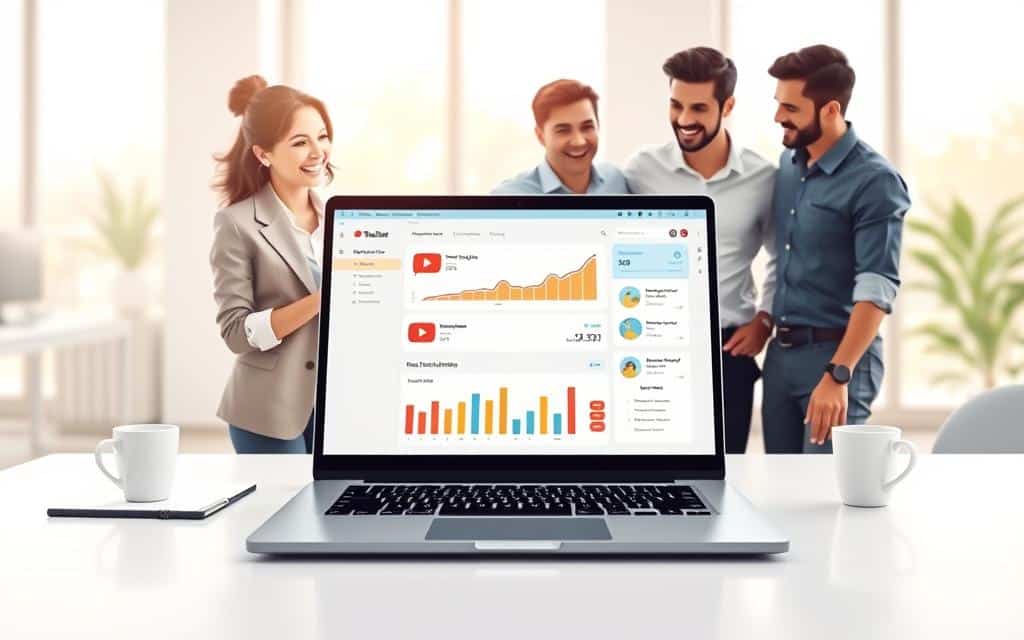
Use in‑feed ads to simulate organic discovery
Place your best video where searchers find answers. Pick a bold thumbnail and clear title so your youtube videos appear like organic results in search results and suggested feeds.
Target buyer keywords. Then push viewers into playlists and end screens. That lifts session watch time and helps your channel gain subscribers.
Run in‑stream as unlisted for off‑site actions
When you send people off the page, make the creative unlisted. That keeps channel watch time clean and stops short-term drops in retention.
Monitor retention and cap frequency. If viewers skip early, tighten the hook or swap the creative.
Build a simple remarketing ladder
- Step 1: recent ad viewers — low ask, quick value.
- Step 2: channel visitors — nurture with longer content.
- Step 3: site visitors — ask for a small action or lead magnet.
Share best lessons in a one-page doc. Refresh creatives every few weeks. Use dayparting if certain hours win. These small plays keep a steady, scalable strategy.
Conclusion
Make launch simple: one goal, one creative, and a short test window.
Set a clear goal, pick the right ad type, and give the campaign a small daily budget you can keep. Upload a strong first video and link a UTM so analytics show revenue and leads.
Watch CPV and view rate closely. Cut placements that cost too much. Test new thumbnails and fresh content each week so videos keep earning attention from viewers.
Protect your small business budget by funding only proven channels and remarketing lists. Share best learnings in a short newsletter for the team. You’ve got a simple plan. Launch the next campaign and let data guide the next step.
