
If you are wondering how to run retargeting ads on facebook with a shoestring, you are in the right place. I know the feeling of watching visitors leave your site without buying anything. Seeing potential sales disappear after you worked hard for traffic is truly painful.
Many entrepreneurs believe they need a huge budget for success, but I have proven that is not the case. By focusing your efforts toward people who already know you, you can grow quickly. These people are interested, so they just need a little reminder for their return.
Key Takeaways
- Visitors rarely buy during their first website visit.
- This strategy helps reach people already aware of your brand.
- You can start campaigns with a small daily budget.
- These links get clicked ten times more often than regular ones.
- Bringing back lost traffic is the fastest way toward more sales.
- Smart plans allow for stretching every advertising dollar.
What Facebook Retargeting Is and Why It Works for Small Budgets
I often see small business owners stress over tight marketing budgets, but I’ve found that facebook retargeting is the ultimate equalizer. This smart technique uses ads to reach website visitors who interacted with your brand but did not buy anything yet. It essentially gives you a second chance to turn a casual browser into a loyal buyer.
Think of it as reaching out to people already familiar with your products or services. Most people do not make a purchase during their very first visit because they are still comparing options. You want to stay in their sight without spending a fortune on cold traffic that does not know you.
Statistics show that the average ecommerce conversion rate was only 1.62% as of late 2022. This means over 98% of your traffic leaves your site without taking action. I use retargeting to capture that massive group of people who simply need a little nudge to come back.
“The aim of marketing is to know and understand the customer so well that the product or service fits him and sells itself, and retargeting is the bridge to that understanding.”
Using retargeting ads allows you to focus your limited funds on “warm” leads. These customers need less convincing than total strangers because you have already started building trust. By showing specific ads to these users, you keep your business fresh in their minds until they are ready to buy.
I believe that retargeting is the best way to see a high ROI even if you only have $10 a day to spend. It ensures you are not casting a wide, expensive net across the entire internet. Instead, you are investing your money where it is most likely to result in a sale.
| Metric | Cold Traffic Strategy | Facebook Retargeting |
|---|---|---|
| Audience Interest | Low (Strangers) | High (Previous Visitors) |
| Trust Level | Non-existent | Moderate to High |
| Budget Efficiency | Low (High Waste) | Very High (Targeted) |
| Cost per Customers | Expensive | Affordable |
| Typical Ads Type | General Awareness | Product Reminders |
The Meta Pixel: Your Foundation for Budget-Friendly Retargeting
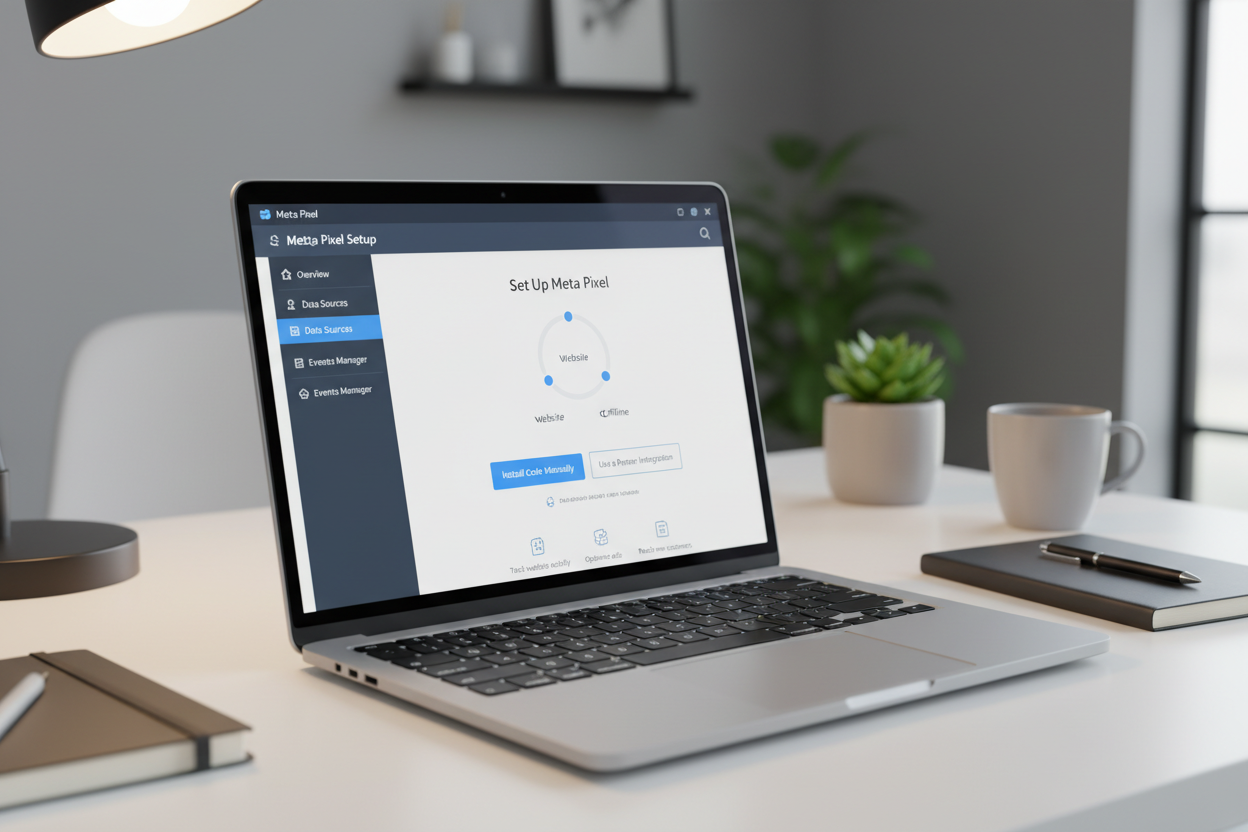
Success with small-budget marketing starts with a tiny piece of code called the Meta Pixel. It acts as the silent engine that makes retargeting possible by gathering essential data about your potential customers. I understand that the word “code” sounds scary to some, but it is simply a tracking tool that monitors how people use your website.
Think of this pixel as a helpful assistant that remembers every person who walks through your digital front door. It runs continuously in the background and watches what people do without slowing down your site. Once it is in place, you can finally stop guessing and start using real facts to guide your ads.
How the Meta Pixel Tracks Visitor Behavior
The pixel identifies visitors through their Facebook user IDs when they are logged into their accounts. It monitors specific actions like which products they view and if they add items to their shopping cart. This level of detail is exactly what makes your marketing budget go further.
By watching these interactions, the pixel helps you understand where people lose interest. You can build a custom audience of people who almost bought something but got distracted. Instead of showing your ads to strangers, you focus on users who already know your brand.
Installing the Pixel on Your Website
I will walk you through this even if you have never touched website code before. For most platforms, you simply copy the pixel code and paste it into the header section of your site. This allows the code to load on every single page automatically.
Many users prefer using a simple plugin that handles this process with just one click. I always recommend testing your setup with the Facebook Pixel Helper browser extension. This free tool confirms that your data is being sent correctly before you spend a single penny on retargeting.
Setting Up the Pixel Through Shopify or Other Platforms
If you use Shopify, setting up your tracking is incredibly easy and requires no technical skills. Go to your admin panel, click on Settings, and then select Apps and sales channels. Open the Facebook channel and look for the data sharing settings to get started.
I suggest choosing the “Maximum” sharing level to capture the most accurate information about your audience. Select your pixel from the list and click confirm to finish the process. Now your website is ready to help you run highly efficient retargeting campaigns that save you money.
How to Run Retargeting Ads on Facebook in 5 Steps
Learning how to run facebook retargeting effectively starts with a clear, repeatable framework that honors your limited resources. I have used this exact five-step process to help small businesses see real results without spending thousands. Ready to build your first retargeting campaign?
Step 1: Create Your First Custom Audience in Ads Manager
Go to the Audiences tab in your Ads Manager. Click the Create Audience button and select the Website option because it uses your pixel data. You can then specify people who visited your site within a specific time frame, like the last 30 days.
This creates a group of warm leads who already know your brand. Using custom audiences allows you to spend your money on people most likely to return and buy. I find that these custom audiences are the most valuable assets in any small business account. Focus your audience targeting on these high-intent visitors first.
Step 2: Choose the Right Campaign Objective
When you start your retargeting campaign, you must define your primary goal. I usually suggest the conversions objective for small businesses looking to drive actual sales. This choice signals to Meta that you want people who take action, not just those who click.
If your traffic is still very low, you might start with Traffic to build momentum. However, focusing on sales usually provides the best return on investment. It keeps your ads aligned with your actual business growth needs.
| Objective | Ideal For | Meta’s Priority |
|---|---|---|
| Conversions | Driving online sales | Finding purchasers |
| Traffic | New site visitors | Maximizing site clicks |
| Awareness | Brand recognition | Showing ads to many |
Step 3: Build Your Ad Sets With Proper Exclusions
Setting up the ad set involves choosing exactly who sees your message. I select the specific audience I created earlier to ensure the right people are targeted. A vital step here is using exclusions to protect your wallet.
I always exclude people who have already made a purchase in the past month. This ensures your campaigns don’t annoy recent buyers with old offers. It keeps your message fresh and focuses your spend on those still making a decision. You only want your ads appearing for people who haven’t crossed the finish line yet.
Step 4: Design Simple But Effective Ads
I find that simple, authentic ads often perform best for small brands. You don’t need a professional studio to create something that converts. Use clear product photos or even a quick video shot on your smartphone.
The key is to remind the viewer about the items they were browsing on your website. Keep the message direct and helpful to guide them back safely. High-quality visuals that feel native to a social feed usually build more trust. I design my ads to look like a friendly reminder rather than a hard sales pitch.
“Testing is the engine of growth in digital marketing; without it, you are just guessing with your money.”
Step 5: Launch With a Small Test Budget
Ready to go live? I suggest starting with a small daily budget of $5 to $10. This low-risk entry allows you to gather data on how to run facebook retargeting effectively. Watch your metrics closely, especially the frequency and return on ad spend.
If one version performs better, I put more focus there and pause the others. Successful campaigns are built on these small, data-driven tweaks. This approach ensures your ads are working hard for every cent you spend.
Building Custom Audiences That Don’t Require Heavy Traffic
One common myth I hear is that you need massive traffic for retargeting, but that simply isn’t true. I have seen tiny brands win by focusing on the quality of their custom audiences rather than the quantity of clicks. You do not need thousands of hits to start seeing a real return on your investment.
Even if you only have a hundred visitors a month, you already have a great starting point for your campaigns. The secret is to use every piece of engagement you currently have. By organizing your traffic into specific groups, you can show the right message to the right person at the right time.
Website Visitors From the Past 30 Days
I suggest starting with a 30-day window for your website visitors. This specific time frame ensures the people seeing your ads still remember your brand and your specific offer. Meta tracks actions, such as when someone visited website pages or added an item to a shopping cart.
You can define your audience by these specific behaviors to make your ads feel personal and relevant. If someone spent time looking at a specific product, they are a very warm lead. Using this data allows you to create tight segments that naturally grow as your business expands over time.
A small, focused group often converts much better than a cold, broad one. Do not wait for massive traffic spikes to begin this process. Start building these lists now so they are ready when you want to scale your budget.
People Who Engaged on Facebook and Instagram
If your site is brand new and lacks visited website traffic, do not worry at all. You can build powerful custom audiences from your social media interactions. This includes anyone who liked, commented, or shared your posts over the last 90 days.
These people already know your face and your message. They are the perfect candidates for retargeting campaigns because they have shown active interest in your content. I often suggest this route for solopreneurs who spend more time on Instagram than on their blog or website.
It turns casual “likes” into a dedicated audience that sees your specific offers. This retargeting strategy keeps your costs low while building brand familiarity and trust through consistent visibility. It is a smart way to bridge the gap while your web traffic grows.
Uploading Email Lists for Customer Matching
Uploading your email list is a goldmine that many small business owners completely overlook. You can take a list of past buyers or newsletter subscribers and upload the file to Meta. The platform then matches those people to their specific profiles on the app.
This creates a highly specific audience for your retargeting efforts. It is a fantastic way to reach subscribers who might have missed your last few newsletters or updates. Using an email list bypasses the need for high web traffic entirely and reaches fans directly.
Custom audiences built this way are often the most profitable because the trust is already established. You are talking to people who have already opted into your world. Strong relationships lead to better sales, and this method proves it.
| Audience Source | Target Group | Recommended Window | Key Benefit |
|---|---|---|---|
| Website | Recent Visitors | 30 Days | High Intent |
| Social Media | Engagers | 90 Days | Brand Awareness |
| Customer List | Email Subscribers | No Limit | Established Trust |
Creating Your Retargeting Funnel for Maximum Efficiency
I structure every successful retargeting strategy like a funnel with three distinct levels—upper, middle, and lower. Each stage moves people closer to buying without wasting your limited ad spend. By tailoring your message to where a user sits in their journey, you create a seamless path toward a final purchase.
Upper Funnel: Social Media Engagers
At the top of your funnel are social media engagers who liked or commented on your posts. These users have interacted with your brand but haven’t visited your website yet. I treat this group as a “warm” audience that needs a little more education before they are ready to buy.
Since they already recognize your name, I use awareness-focused ads to pique their curiosity. You aren’t asking for a hard sale at this early stage. Instead, you are inviting them to learn more about how you solve their problems. This builds the foundation for all future conversions by establishing a solid connection.
Middle Funnel: Website Visitors and Content Viewers
The middle funnel includes people who visited specific product pages but didn’t add anything to their cart. I’ve found these potential customers need content that addresses their specific concerns and builds trust. They are clearly interested, but they might be hesitant about shipping costs or product quality.
In this stage, your retargeting should highlight social proof or unique selling points. I often show customer reviews or “how-to” videos to help them visualize owning the product. Showing real-world results helps move them from “just looking” to “ready to buy.”
Lower Funnel: Add-to-Cart and Checkout Abandoners
Your lower funnel is where the money lives for any small business owner. These are the audiences who added items to their cart but didn’t finish the checkout process. They are your most valuable customers because they were only one click away from finishing the transaction.
They usually just need a final push or a simple reminder that their items are waiting. I keep these ads very direct and often include a limited-time offer to create urgency. Maximizing efficiency in retargeting at this stage ensures your budget goes toward the highest-intent users who are ready to convert.
Applying Audience Exclusions to Prevent Overlap
I always set up audience exclusions so someone in your lower funnel doesn’t also see your upper-funnel ads. This prevents overlap, which happens when you target the same person in two different places. Overlap creates unclear results and wastes your precious daily budget on repetitive messaging.
| Funnel Stage | Who to Target | Who to Exclude |
|---|---|---|
| Upper | Social Media Engagers | All Website Visitors |
| Middle | Product Page Viewers | Add-to-Cart Users |
| Lower | Cart Abandoners | Recent Purchasers |
For example, I exclude anyone who added to cart from my general website visitor audiences. This ensures they only see specific cart abandonment messaging with stronger offers. Creating this structure in Ads Manager only takes a few clicks but drastically improves your audiences‘ performance over time.
Setting Small Daily Budgets That Actually Work
I’ve learned that the most effective way to protect your wallet is by setting realistic daily limits that respect your cash flow. You can decide how much to initially allocate based on the estimated size of your segments in the Ads Manager. Starting small but keeping it flexible allows you to grow without the fear of losing your hard-earned money.
Starting With $5 to $20 Per Day Per Audience
I have tested dozens of spending levels over the years and found a clear winner. Starting with $5 to $20 per day per audience is the sweet spot for most small businesses. This range gives the platform enough data to learn without wasting your initial investment.
Many beginners make the mistake of spending under $5. This often causes the algorithm to stall because it lacks enough data to optimize delivery. On the other hand, spending too much before you have a proven offer can lead to high costs and frustration.
I recommend matching your daily budget to the size of the group you are targeting. A small group of people who abandoned their carts might only need $5 per day to reach everyone. A larger group, like everyone who visited your site in 180 days, could use $15 to $20 to ensure maximum reach.
| Audience Group | Daily Spend | Primary Goal |
|---|---|---|
| Cart Abandoners | $5 – $10 | Recover Sales |
| Website Visitors | $10 – $20 | Brand Recall |
| Social Engagers | $5 – $15 | Boost Interest |
Give your advertising efforts at least five to seven days before you change anything. This window allows the delivery system to stabilize. It helps ensure your results stay consistent as you begin to gather data for future growth.
Using Campaign Budget Optimization to Find Cheap Conversions
I always turn on Campaign Budget Optimization (CBO) for my campaigns. This feature lets the Facebook algorithm do the heavy lifting for you. It automatically shifts your spend toward the specific segments that are delivering the cheapest conversions.
“Smart retargeting is not about how much you spend, but how well you listen to the data the platform provides.”
Instead of manually adjusting your budget every few hours, CBO manages the distribution for you. It tests different groups and puts more power behind the winners. This setup is perfect for small business owners who do not have time to watch ads all day.
Starting small gives you room to learn without burning through your whole budget. You can watch how people react to your ads and adjust your strategy. It is a safer way to grow your online presence without unnecessary stress.
Once you find a winning group, you can scale your results effectively. I suggest increasing the daily amount by 20% every few days. This gradual growth helps you get more conversions without hurting the performance of your current campaigns. Your ads will stay effective while you reach more potential customers.
Segmenting Audiences to Stretch Every Dollar
Smart audience segmentation is how I stretch limited budgets—by only showing ads to people who haven’t already bought and timing my windows based on buying behavior. It keeps my costs low and my relevance high. When I focus only on those most likely to convert, my small budget goes much further than a generic approach ever could.
Excluding Recent Purchasers From Your Campaigns
The first rule I follow is excluding recent purchases from all retargeting campaigns. Why would I pay to show an ad for a product to someone who just bought it yesterday? Unless I am specifically trying to upsell them a complementary item, I want to stop wasting money. Existing customers don’t need to see the same “buy now” message repeatedly.
I set up an audience specifically for “Purchasers – Last 30 Days” within the Ads Manager. Then, I simply exclude them from my active retargeting ads. This ensures my business only spends money on those who are still in the decision-making process. It saves my precious dollars for leads that haven’t crossed the finish line yet.
“Precision in exclusion is just as important as precision in targeting for the budget-conscious marketer.”
This simple exclusion prevents me from annoying my best buyers with redundant content. It also allows the Facebook algorithm to focus its energy on fresh prospects. By cleaning up who sees my ads, I see a much higher return on my ad spend.
Time-Based Windows: 7, 14, 30, and 90 Days
Time-based windows matter enormously when you are trying to be efficient. If you sell impulse-buy items under $50, a 7 to 30-day window usually works best because interest fades quickly. You want to stay top-of-mind while the desire is still hot. For these products, retargeting further back than a month often yields very little return.
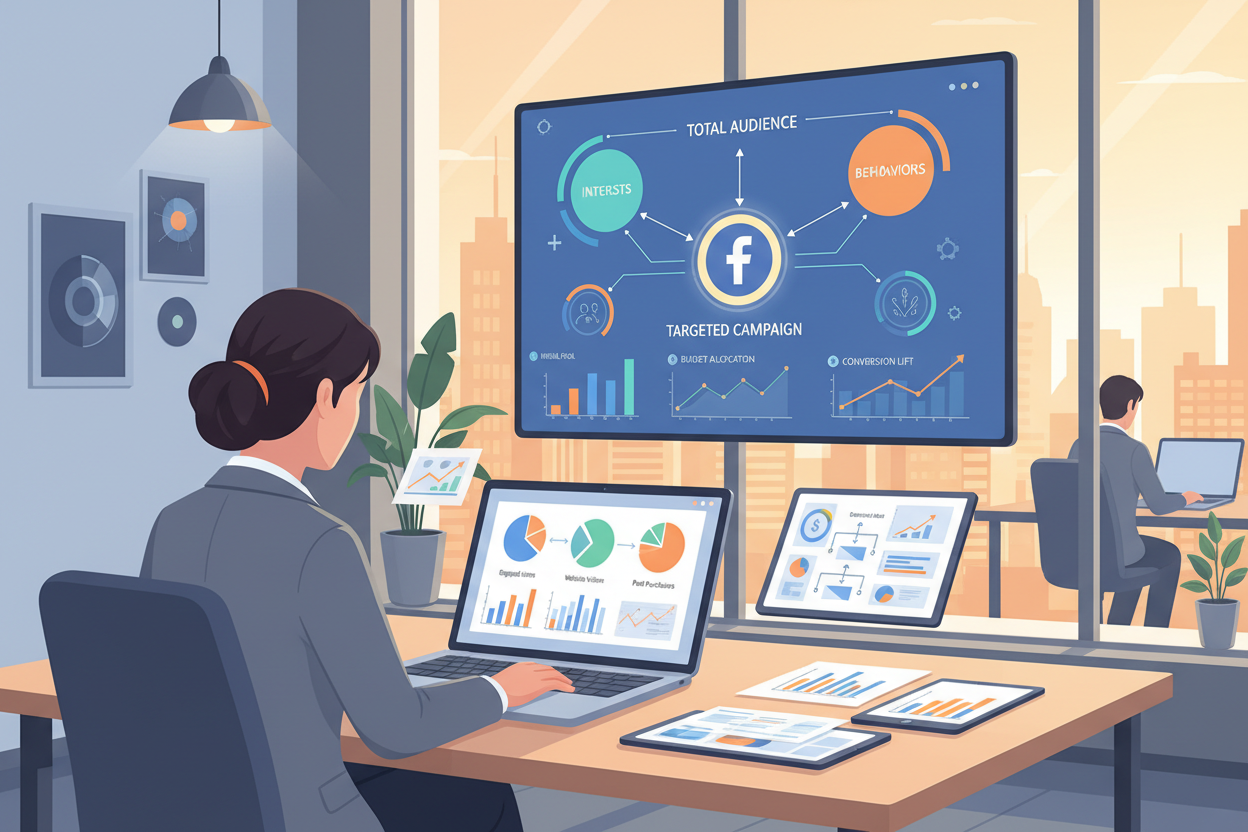
For expensive items like furniture or high-end electronics, I extend the time windows. These audiences might need 90 or even 180 days to make a final decision. The buying cycle is much longer for big-ticket items, so your ads need to be patient. I match the window to how long a typical person takes to research and buy.
I use a 7-day window for cart abandoners because these people were closest to buying. Website visitors who only browsed get a 30-day window in my audiences. Finally, social media engagers get the longest window—90 days—because they are at the very top of the funnel. They need more exposure to trust the brand before they visit the site.
By matching your windows to actual purchases and behavior patterns, you avoid wasting budget. It allows you to manage your audience based on their level of intent. This strategy ensures you are always showing the right message to the right customers at the right moment.
| Audience Segment | Time Window | Primary Goal | Action Item |
|---|---|---|---|
| Cart Abandoners | 7 Days | Direct Sale | Offer Discount |
| Website Visitors | 30 Days | Product Education | Show Reviews |
| Social Engagers | 90 Days | Brand Awareness | Show Video Content |
| Past Buyers | Exclude (30 Days) | Budget Saving | Remove from Campaign |
Using Lookalike Audiences When You Have Low Website Traffic
I’ve found that lookalike audiences are the best bridge between cold traffic and successful retargeting. If your website is brand new, gathering enough data for facebook ads can feel like an uphill battle. This is where this tool becomes your secret weapon for finding new people who behave like your best customers.
Facebook analyzes your existing email list or subscriber data to find thousands of others with similar behaviors. These individuals share the same interest or demographics as those who have already visited website pages of yours. It is a powerful way to expand your reach without wasting money on random clicks.
To start, simply upload your list of buyers to the platform. I recommend creating a 1% lookalike audience to find the most similar matches in your target country. This strategy bridges the gap between cold outreach and running an effective retargeting ad campaign by pre-qualifying your traffic.
The beauty of this method is that you only need about 100 past customers to begin. Even a small list allows the algorithm to find similar patterns in user behavior. You are essentially fishing in a pool of users who are already inclined to care about your offer.
| Strategy | Best Used For | Data Source |
|---|---|---|
| Standard Retargeting | Past Visitors | Meta Pixel |
| Lookalike Audience | New Prospects | Customer List |
I typically use these groups as a warm traffic source in my upper funnel. Once they click, I can then focus my retargeting efforts on those who showed real intent. This keeps your retargeting costs low because you aren’t chasing the wrong crowd.
Every dollar counts when you are working with a limited budget. A lookalike audience ensures your retargeting budget goes toward high-potential leads. Start small, test your results, and watch your traffic grow steadily.
Running Dynamic Ads for Automatic Personalization
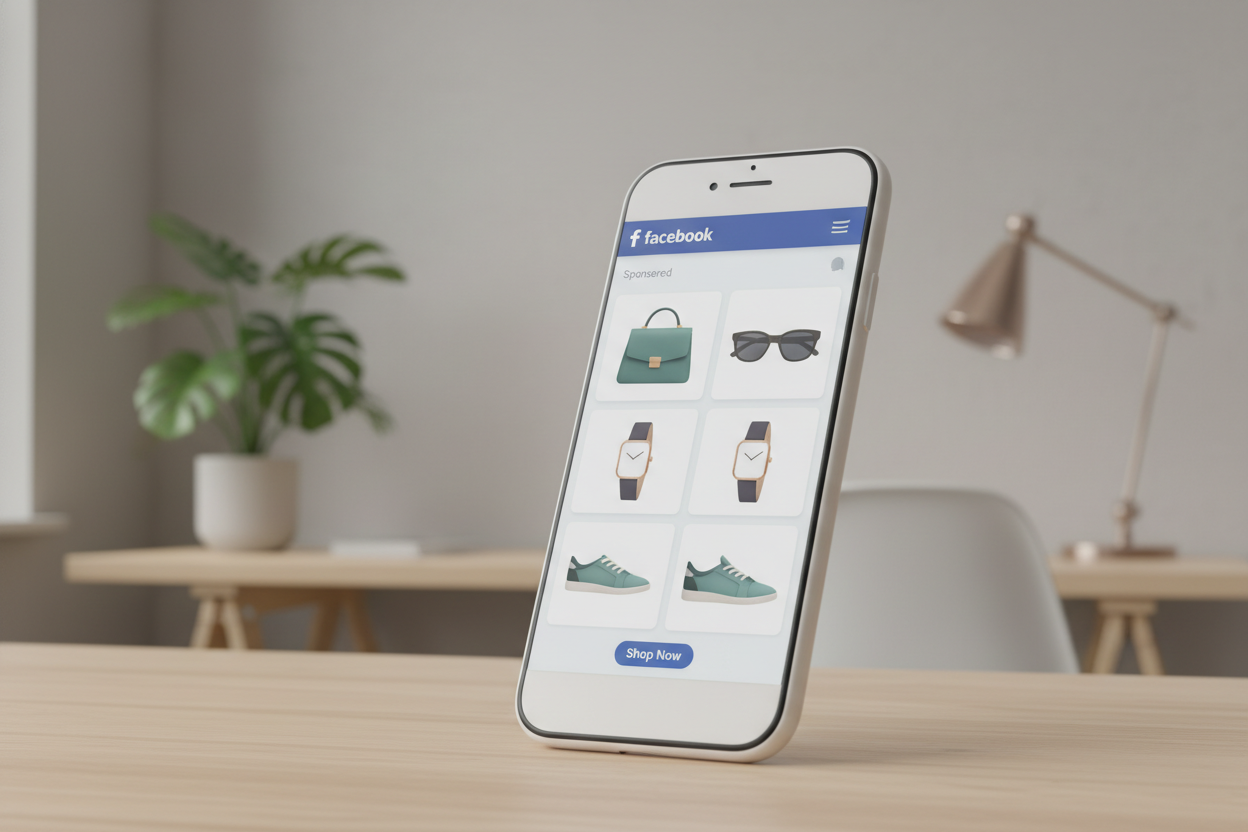
Dynamic ads are the closest thing to advertising magic I’ve found in my marketing career. They automatically show people the exact items they viewed on your site without you doing extra work. This removes the need for you to create hundreds of manual variations for every single item.
If you have a small budget, you probably think personalized marketing is out of your reach. However, these tools allow you to scale your efforts while you sleep. Imagine a system that always knows exactly what your shoppers want to see next.
Setting Up Your Product Catalog in Facebook
Setting up your catalog might sound technical, but it is actually quite simple for most business owners. Platforms like Shopify or WooCommerce connect directly to Meta with just a few clicks. This connection creates a live feed of your current inventory for dynamic ads to use.
I recommend using the Meta Advantage+ catalog ads setup to automate the entire process. Once your catalog is synced, the system pulls images, prices, and titles directly from your store. You won’t have to update your ads manually when a price changes or an item sells out.
It is a set-it-and-forget-it system that works 24/7 to save you time. This step is the backbone of successful facebook retargeting ads. Without a clean catalog, your personalization will not work correctly for your visitors.
Creating Dynamic Product Ads That Show Browsed Items
These dynamic ads behave like a smart salesperson for your online shop. If a visitor browses three specific products on your website, Facebook creates a carousel just for them. It shows those exact items in their social feed later that day.
I love this because it makes your brand look highly professional even on a small budget. You don’t need to guess what customers want to see anymore. The algorithm does the heavy lifting by matching the right products to the right people automatically.
It uses past behavior to ensure your retargeting effort is never wasted on uninterested users. Launching these campaigns feels like putting your business growth on autopilot. You simply provide the catalog, and the system handles the creative delivery.
Why Dynamic Ads Convert Better for Retargeting
The data shows that personalizing the shopping experience works incredibly well for small brands. A Google report revealed that these types of dynamic ads can drive conversions up to 5x higher than static images. People respond better to things they have already considered buying.
Standard facebook retargeting ads often feel generic, but these feel very personal and timely. By showing items already viewed on your website, you lower the barrier to a final purchase. It reminds the shopper exactly why they liked your store in the first place.
This level of retargeting is essential for any store with a variety of items. It ensures your retargeting budget is spent only on highly relevant and profitable placements. Strong results come from showing the right person the right item at the perfect time.
Retargeting Abandoned Carts Without Breaking Your Budget
Losing a sale at the very last second is easily one of the most frustrating parts of running an online store. According to data from May 2025, the average abandoned cart rate sits at a staggering 76.2%. This means that for every 100 people who shop, fewer than 25 actually finish their order.
I view these shoppers as your hottest leads because they have already expressed a clear interest in what you offer. They might have been distracted by a phone call or simply wanted to compare prices. Whatever the reason, a well-timed retargeting campaign can bring them back to finish what they started.
“Cart abandonment is the most painful problem for online stores—over 76% of people add products to their cart and then leave without buying.”
Building a 7-Day Audience
I recommend starting with a tight 7-day window for your facebook retargeting efforts. This ensures you are spending your small budget on shoppers who still remember your brand clearly. You can set this up in Ads Manager by including users who “Added to Cart” while excluding those who made a purchase.
Focusing on a short timeframe prevents you from wasting money on someone who has likely already moved on. I have seen small businesses recover significant revenue with budgets as low as $5 per day using this method. It is the most efficient way to ensure your ads reach the right individuals at the right time.
| Window Period | Buyer Intent | Budget Allocation |
|---|---|---|
| 24-48 Hours | Maximum | Highest |
| 3-7 Days | High | Moderate |
| 8-30 Days | Medium | Low |
Carousel Ads Showing Abandoned Products
Carousel ads are a game-changer because they provide a visual memory jog for the shopper. For example, Eton Shirts uses carousels to show the exact products a customer left behind. It is much more effective than a generic image because it is highly personalized to their behavior.
Seeing that specific shirt or gadget in their feed acts as a powerful reminder of why they wanted it. I find that this level of automatic personalization significantly increases the chances of a click-back. You don’t need a massive catalog to make this work; even a few items can create a compelling story.
Adding Discount Offers to Bring Shoppers Back
Sometimes, all your customers need is a little nudge to overcome a price barrier. I often suggest adding a small discount code or a free shipping offer to your retargeting campaign. This sweetens the deal and makes the decision to return much easier for the shopper.
You can mention the offer directly in the headline of your facebook retargeting ad to grab immediate attention. The goal is to make the purchase feel like a “win” for the buyer rather than just another expense. Using this tactic helps you recover “digital dust” and turn it into real, sustainable profit for your business.
Creating Low-Cost Ad Creative That Converts
I’ve found that small business owners often overthink their creative, yet simple visuals usually outperform glossy productions. You do not need a huge team to make retargeting ads that convert. Smart marketing is about being real and helpful to your audience.
When you keep things simple, you save money while building a stronger connection with your viewers. You don’t need a Hollywood budget to see real results. Authenticity often resonates much better with today’s shoppers than polished, corporate content.
Using Simple Product Photos Instead of Expensive Shoots
Your regular website photos are already doing the heavy lifting. Since people saw these products when they first visited, using them in your ads creates a sense of continuity. It reminds them exactly what they liked about your shop.
I often use clean shots against a plain background because they look professional. You want the shopper to recognize your brand instantly without feeling confused. This strategy builds trust without draining your limited bank account or requiring a pro photographer.
Writing Copy That Addresses Price, Shipping, and Quality Concerns
Good copy answers the questions people ask before they click the buy button. I focus on why the purchase is actually worth the investment. If price is an issue, I explain the value or offer a small discount to first-time buyers.
Mentioning free shipping or easy returns also removes major barriers for hesitant shoppers. It is about making the decision as easy as possible for them.
“In our middle-of-funnel retargeting, our copy aims to showcase unique selling propositions or brand origin story in a succinct, easy-to-digest way,” says Jake Newbould, Head of Digital Marketing at Piglet. “We’re trying to persuade already-engaged customers why you should buy Piglet products over competitors.”
This is a key part of running an effective retargeting ad campaign without overspending on professional copywriters.
Creating Short Videos With Your Phone
You have a very powerful camera right in your pocket. I recommend shooting 15 to 30-second videos with your smartphone to show how your products look in real life. These feel authentic and much more relatable than a polished TV commercial.
You can demonstrate a specific feature or even answer a common customer question. These raw facebook retargeting ads often get more engagement because they look like content from a friend. People appreciate seeing the unfiltered reality of what they are buying.
Incorporating Customer Reviews as Social Proof
Social proof is a secret weapon for low-cost facebook retargeting ads. I love using real quotes from customers who have already enjoyed what I sell. This addresses quality concerns directly through the voice of a real person.
A simple graphic with a five-star review can be very persuasive to someone on the fence. It highlights the real value of your offer and builds your brand authority. This simple step turns happy buyers into your best marketing partners while helping you run effective ads on a tiny budget.
| Creative Strategy | Time Needed | Cost | Key Benefit |
| :— | :— | :— | :— |
| Website Photos | Minimal | $0 | Highadscontinuity |
| Smartphone Video | 20 Minutes | $0 | High engagement |
| Customer Reviews | Minimal | $0 | Builds trust |
| Simple Graphics | 15 Minutes | $0 | Clearsadsobjections |
Engagement-Based Retargeting for Specific Interactions
When the budget is tight, I stop chasing cold traffic and start looking at who is already talking to me on social media. Engagement-based retargeting lets you narrow your focus to very specific interactions. This method allows you to channel your energy toward users who have already interacted with your brand.
I find this strategy helpful because it doesn’t require thousands of website visitors to work effectively. You are essentially fishing in a smaller, much more active pond. It is a smart way to keep costs down while keeping quality high.
Targeting People Who Commented on Your Posts
When someone takes the time to write a comment, they show a much stronger level of interest than someone who just scrolls past. I use this strategy often when website traffic is low because it identifies people who are already raising their hands. It signals that they are ready for a deeper conversation with your business.
By running an effective retargeting ad campaign, you can show specific ads to these commenters. For example, if a user asks a question about a product, you can retarget them with a detailed demo or an exclusive discount. This level of personalization makes your campaign much more likely to convert without wasting a single penny.
Reaching Users Who Watched Your Videos
I’ve found that users who watch at least 50% or 75% of your video content make an incredible audience. These individuals have demonstrated real attention and interest in what you have to say. It is much easier to sell to someone who has already spent a few minutes learning about your brand story.
You can create separate social media segments based on these specific view times. This ensures you aren’t wasting your ads budget on people who clicked away after only two seconds. This method is perfect for small budgets because these groups are highly targeted and ready for your retargeting efforts. The more time they spend with you, the more they trust you.
Engagement retargeting ensures your ads appear only to those most likely to buy. It is the ultimate budget-stretcher for any small business owner.
| Interaction Type | Intent Level | Best Retargeting Ad Strategy |
|---|---|---|
| Post Commenters | Very High | Direct offers or FAQ-style ads |
| 75% Video Viewers | High | Customer testimonials and social proof |
| Page Engagers | Medium | Brand awareness and “About Us” stories |
Monitoring Ad Frequency to Control Costs and Avoid Fatigue
High frequency is the silent killer of performance in small-budget retargeting campaigns. If your prospects see the same message too often, they will get irritated and start ignoring your brand. You need to find a balance between being visible and being annoying to stay effective.
Frequency tells you how many times, on average, people in your audience see your ads over a specific time. I check this metric in Ads Manager at least twice per week to ensure I am not over-serving content. Watching this daily or weekly ensures you aren’t wasting your precious dollars on disinterested users.
When frequency hits a certain threshold for a specific audience, it is usually time to refresh your advertising. High frequency on a small budget often indicates your target group is too small. There simply aren’t enough new users to show the message to without repeating it constantly.
Showing the same ads too many times wastes money because people have likely already decided if they want to click. I combat this fatigue by rotating different images and copy every week or two. This keeps the message fresh even when your retargeting reach is limited.
As you adjust your budget, you will notice these numbers change significantly. Once you find the sweet spot for performance, you can maintain that ideal level regardless of how your budget fluctuates. Monitoring this data early helps you catch problems before you burn through your entire monthly spend.
| Funnel Stage | Target Frequency | Recommended Action |
|---|---|---|
| Upper Funnel | 5 – 7 Views | Monitor for engagement drops |
| Middle Funnel | 3 – 5 Views | Refresh ads creative |
| Lower Funnel | 2 – 3 Views | Pause underperforming retargeting |
Budget-Friendly Retargeting Tools and Platforms
Finding affordable retargeting software for small business needs can feel like searching for a needle in a haystack. While Facebook’s native tools are powerful, third-party platforms can extend your reach beyond just one network.
I always suggest you first learn how to create a facebook ad campaign from to master the basics. Once you feel comfortable, these external tools can help you scale your efforts efficiently.
SharpSpring Ads for Multi-Platform Retargeting
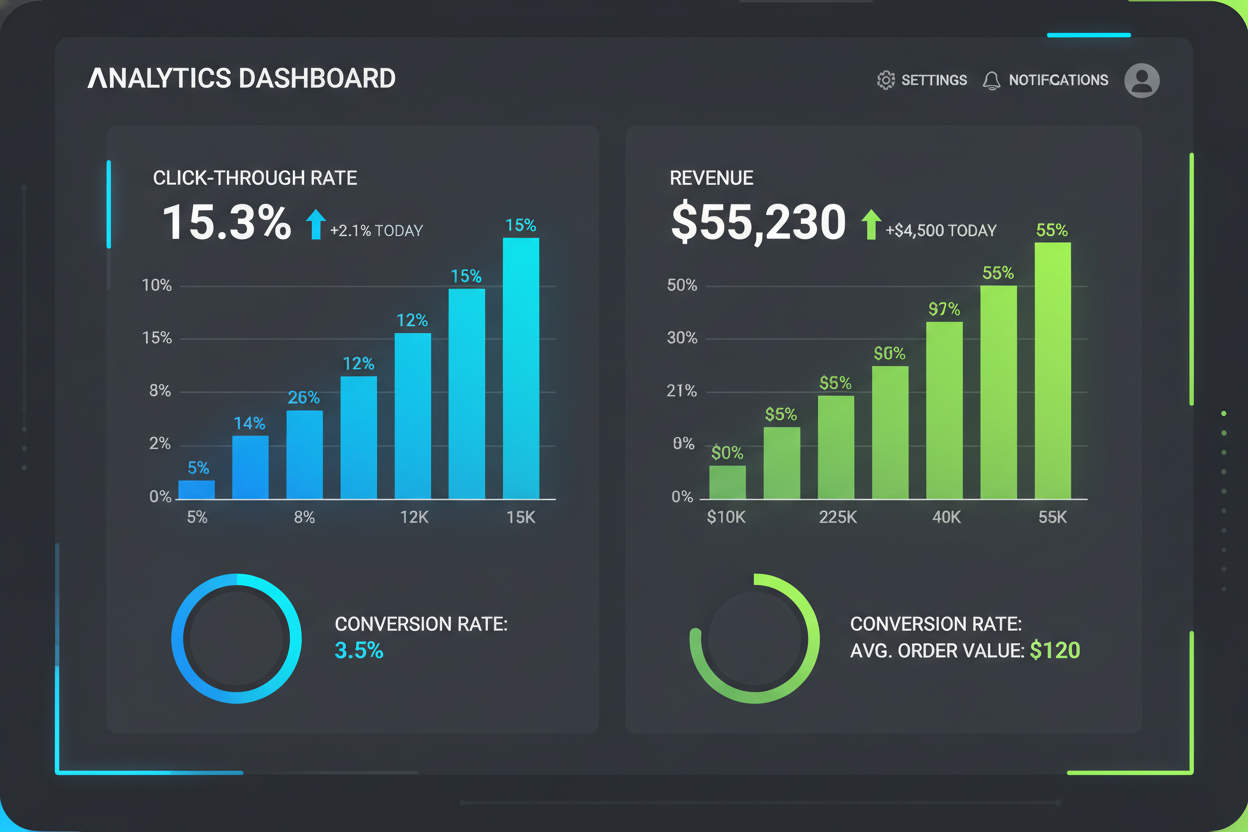
SharpSpring Ads is a budget-friendly option I’ve used to run retargeting campaigns simultaneously on Facebook, Instagram, and display networks. This tool, formerly known as Perfect Audience, allows you to manage everything from one simple dashboard.
You can measure the impact of your ads to ensure you are on the right track. Use powerful analytics to get up-to-date information on your click-through rate, revenue, and conversions.
The big advantage of using SharpSpring is that you get detailed reporting in one place. It makes social media advertising much easier for owners who have very little time. It helps you stay organized without the headache of multiple tabs.
AdRoll With HubSpot Integration
AdRoll uses over ten years of consumer data and behavior to help you create effective retargeting ads. If you are a HubSpot user, AdRoll can integrate with your Marketing Hub effortlessly.
This connection helps you sync existing contacts and create lists of targetable audience members automatically. I appreciate their decade of behavior knowledge because it helps optimize where and when your ads appear.
Using this tool ensures your advertising budget goes toward people who have already shown interest in your brand. It is a smart piece of marketing technology for growing teams. You can focus on your business while the software handles the audience syncing.
Criteo for AI-Driven Retargeting

Criteo helps you reach your audience through contextual retargeting. They use commerce data from existing customers to understand which channels inspire purchases. Your ads are then placed in these same high-impact channels for users to see.
Criteo uses AI to analyze your marketing history and focus your budget where it works best. This prevents you from wasting money on placements that do not lead to sales.
It is an effective way to manage campaigns without needing a massive team of experts. I like how Criteo simplifies complex advertising decisions. Strong strategies like this help small businesses compete with much larger brands on a tiny budget.
Conclusion
You now possess a complete roadmap to master facebook retargeting without needing a massive corporate bank account. I have shown you that effective marketing isn’t just for the giants with endless resources. You can start small today and still see a lot of growth in your revenue.
The main point to remember is that retargeting works because you are investing in people who already recognize your brand. Why gamble on strangers when you can reach visitors who have already explored your website? By focusing on these warm leads, you give your business the best chance to succeed.
We covered how to set up the Meta Pixel and build custom audiences from scratch. You also learned to launch retargeting campaigns with a daily budget as low as five dollars. This smart way of advertising levels the playing field for every entrepreneur.
Your primary goal shouldn’t be perfection right out of the gate. Instead, focus on testing what resonates with your specific audience segments. Over time, you will find the right message that drives sales and builds long-term value for your brand.
Remember to keep an eye on your facebook ads frequency to avoid annoying your potential customers. Excluding recent buyers and tailoring your creative ensures you don’t waste a single penny of your hard-earned money. Consistency is more important than a big launch.
I encourage you to install your pixel today if you haven’t already. It takes time to gather data from your website, and the sooner you start, the faster you can scale. This is the most efficient way to handle facebook retargeting for a growing business.
Effective retargeting is really about timing and relevance in the buyer’s journey. It allows you to deliver the right message exactly when a customer is ready to decide. This strategy ensures no potential sales are left on the table during the checkout process.
By using simple photos and customer reviews, your efforts will feel authentic and trustworthy. You can turn passive browsers into enthusiastic shoppers by simply being present. Start today and see the retargeting results for yourself.
I truly believe you can do this without feeling overwhelmed. Use these low-cost retargeting strategies to honor your budget while growing your income. Your success is waiting for you to take the first step.
| Strategy Step | Budget Focus | Main Benefit |
|---|---|---|
| Meta Pixel Setup | $0 (Free) | Data Collection |
| Custom Audiences | $5 – $10/day | Warm Lead Focus |
| Dynamic Ads | $10 – $20/day | Automated Sales |
